
Text to Speech
- Time
- 2–3 h
- Level
- Beginner
- Quick test
- ~5 min
Generate, play, and download audio without exposing the API key to the browser.
Run or buildLearn step by step—from the terminal to deployment. Every file is complete, every checkpoint is testable, and every architectural decision has a reason.
The quick start assumes Node.js 22+, Git, an OpenAI API account with active billing, and a project API key. Voice API calls may incur charges.
Generate, play, and download audio without exposing the API key to the browser.
Run or buildTalk over WebRTC using a short-lived client secret and explicit microphone controls.
Run or buildBegin with a bounded audio request and progress to a live speech-to-speech conversation.
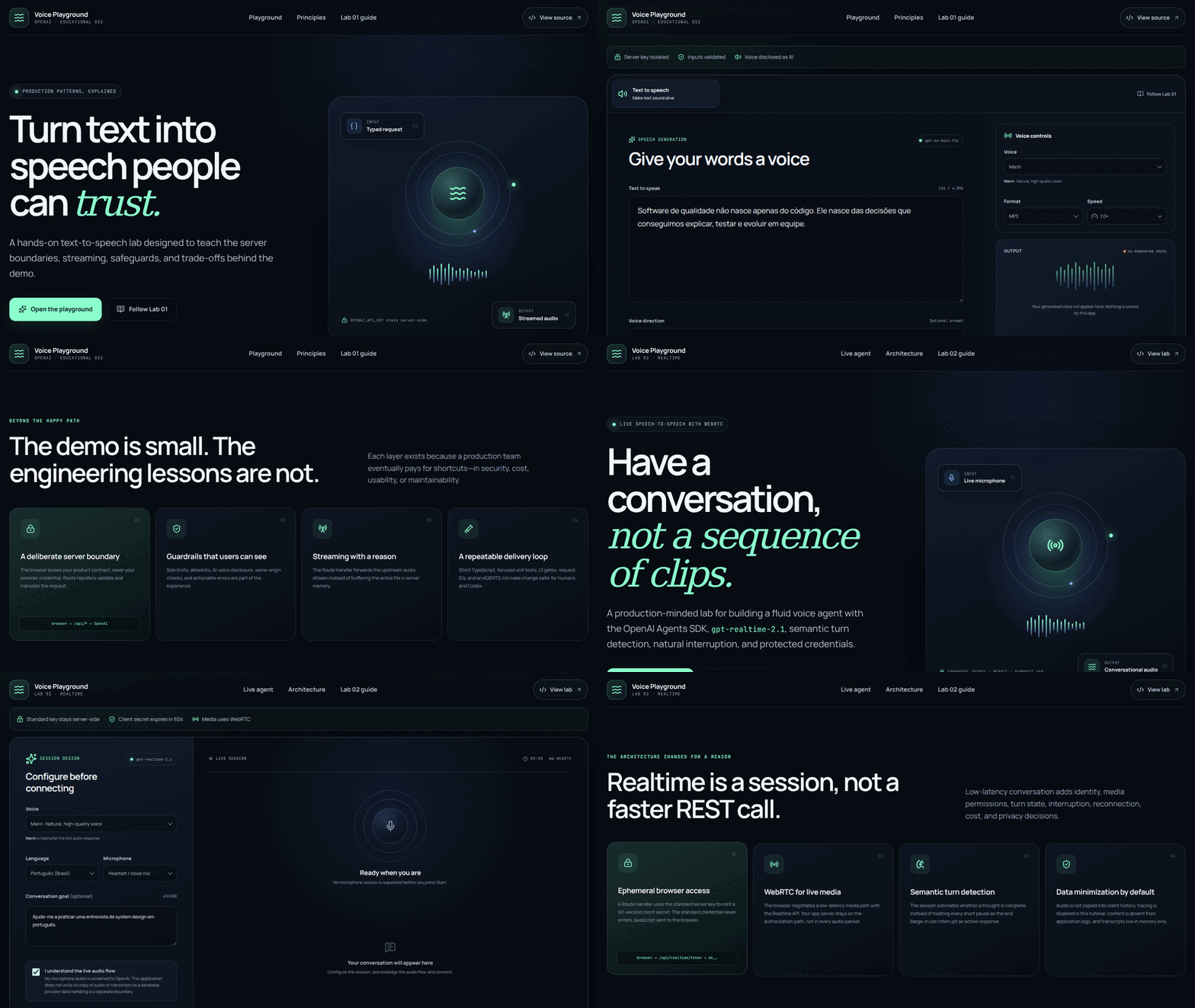
Turn validated text into expressive audio with streaming, playback, download, limits, and a secure server-side boundary.
Build a speech-to-speech agent with short-lived authorization, WebRTC, turns, mute, interruption, transcript, and safe cleanup.
The Lab 01 demo is real and compressed. The Lab 02 recording is explicitly pending; no result was fabricated.
The space is ready, but a real Realtime conversation requires a credential, microphone, and API usage. Follow the safe plan to record without exposing tokens.
Open the recording plan →The outcome is the same. The amount of mechanical support changes with your experience and available time.
Run main, see the complete experience, and use the code for investigation.
Recommended path: a compiling base, implementation in slices, and read-only checkpoints.
Create the configuration, directories, and every file manually for a long class or deeper study.
GitHub Pages hosts this static learning material. The applications use server-side routes and protected variables; deploy each lab to Vercel or another Next.js-compatible host.
View the publishing guide